
Dating Safety: Privacy, Scams, Verification, and Safer Meetings
Dating App Privacy Checklist: Location, Identity, Photos, Messages, and Data
Dating app privacy is not one setting. It is the combined exposure created by profile data, device permissions, location, photos, messages, identity verification, billing, and connected accounts.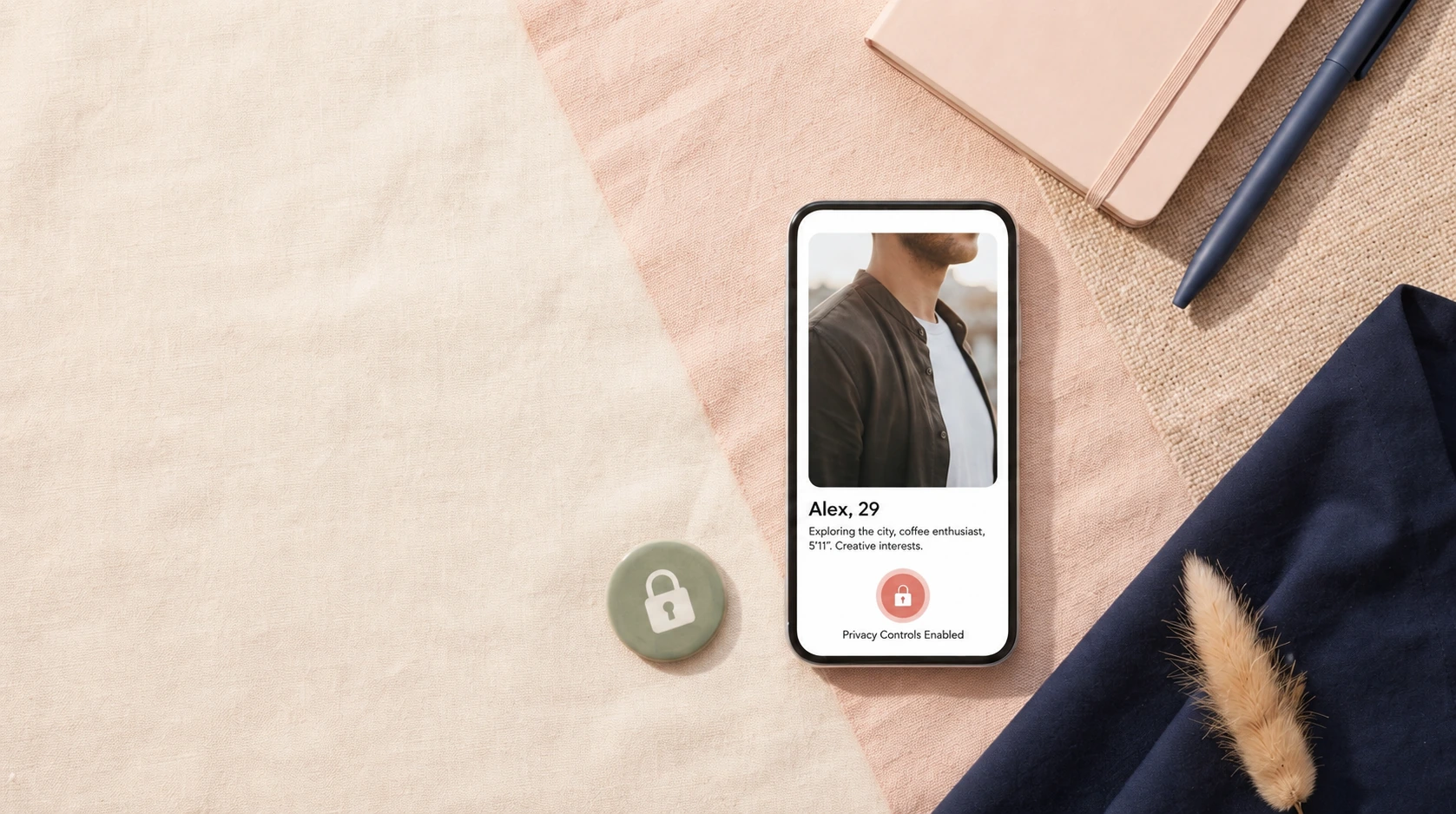
A dating app privacy check should answer what the app collects, what other users can see, what third parties or affiliated companies receive, and what remains after you leave. Start with the profile: remove exact workplace, home address, children's identifying details, financial information, and predictable routines. Then review device permissions, precise location, contact discovery, notification previews, social links, photo metadata, and any biometric or ID verification. Messages may feel private without being technically invisible to the platform because moderation, safety, or support can require processing. Finally, separate subscription cancellation, profile deletion, and privacy-data requests so leaving the app does not create a false sense of complete erasure.
Privacy layer and question
| Layer | Question | Common exposure |
|---|---|---|
| Profile | What can every member see? | Identity and routine clues |
| Location | Exact, approximate, or manually set? | Home/work inference |
| Contacts | Can people find or block me by phone/contact list? | Social graph exposure |
| Photos | What background clues exist? | Workplace, home, family, metadata |
| Messages | Who/what systems can process them? | Moderation and support access |
| Verification | Photo, age, ID, biometric? | Sensitive identity data |
| Billing | What appears on receipts/statements? | Discretion and recurring charges |
| Deletion | What is hidden versus erased? | Retention and backups |
Start with profile data minimization
A dating profile needs enough detail for compatibility, not enough to reconstruct your entire offline identity.
Use broad profession, approximate location, and selective family information. Exact employer plus age plus city plus a recognizable photo may be enough for a stranger to find far more.
Review precise location at the device level
Some apps use precise GPS internally while displaying only distance; others let users choose a city or hide distance.
Check the operating-system permission and the app setting separately. Hiding distance is not always the same as stopping location collection.
Think about contact discovery
Blocking contacts can protect users from coworkers, family, or an ex on some platforms, while contact upload itself creates another data relationship.
Read whether contacts are hashed, stored, or used only locally. Use the feature when the privacy benefit outweighs the data cost.
Inspect photos like a stranger would
Badges, mail, license plates, house numbers, children's uniforms, office backgrounds, and recurring locations can reveal more than the subject intended.
Reuse of public Instagram or LinkedIn photos can also make reverse-image identification easier.
Messages are private between users, not necessarily opaque to the service
Platforms can process messages for delivery, moderation, fraud detection, legal compliance, or support.
Do not send banking credentials, identity documents, verification codes, or material that would create severe harm if reviewed or copied.
Biometrics and ID checks deserve a separate decision
Newer dating safety systems can use video selfies, face geometry, age estimation, or government IDs.
Read what is retained, who processes it, and whether the feature is mandatory or optional. A stronger verification badge can require more sensitive data.
Notification and billing privacy are easy to overlook
A discreet profile can still be exposed by a lock-screen notification, app icon, email subject line, or dating merchant on a shared financial account.
Adjust previews and marketing communications and understand the billing descriptor when discretion matters.
Leaving the app has several layers
Uninstalling removes software. Pausing hides or limits the profile. Cancelling stops future billing. Deleting closes the account. A privacy request can address retained data under applicable law and policy.
Complete the steps that match the outcome you actually want.
Dating app privacy checklist
- Remove unnecessary identifying profile details.
- Review device and app location settings.
- Check contact discovery/blocking.
- Inspect photo backgrounds and reuse.
- Understand message processing.
- Read biometric/ID verification terms.
- Control notification and billing exposure.
- Cancel, delete, and request data action separately when leaving.
Related CupidReview guides
online dating safety checklist dating profile verification guide dating subscription checklist how to delete dating apps and accounts
Review data sharing across a company family
Some dating brands belong to larger groups that share information for security, advertising, research, support, or cross-service offers. This can make one account part of a broader data ecosystem even when the user never creates a second dating profile.
Read the section that explains affiliated-company sharing and use privacy-choice controls when the platform provides them. Brand-level privacy and group-level privacy are not always the same thing.
Use a separate dating email when the tradeoff is worth it
A dedicated address can reduce the link between dating accounts and work, banking, family, or social profiles. It also makes marketing cleanup and account recovery easier to manage.
The address still needs a strong unique password and recovery method. Separation is useful only if the new account is secured properly.
Review advertising and analytics separately from matching
Dating apps can use data for core matching, fraud prevention, analytics, personalization, advertising, or cross-service marketing. A field that is useful for matching does not automatically need to be used for every secondary purpose.
Look for privacy choices that let users limit targeted advertising or affiliated-company offers without breaking the core dating account.
Think about data combinations, not isolated fields
Age alone may be harmless. Employer alone may be harmless. A photo alone may be harmless. Combined with a small city, niche profession, religion, and specific hobby, those fields can identify one person quickly.
Privacy review should therefore examine the whole profile as an inference package rather than checking each item in isolation.
Deletion should include old devices and browser sessions
After closing an account, sign out of old phones, tablets, and browsers when session controls are available. Remove saved passwords from shared devices and review whether marketing email or push permissions remain active.
This does not erase platform retention, but it reduces accidental access to a closed or paused dating identity.
FAQ
Can dating apps see my messages?
Services may process messages for delivery, moderation, safety, support, or legal reasons. Read the current privacy policy.
Does hiding distance stop location tracking?
Not necessarily. Display settings and device-level location permissions are separate.
Does deleting the app delete my account?
Usually not. Uninstalling, cancelling, and deleting are distinct actions.
Sources and further reading
How this page was prepared
Reviewed by Cupid Review Standards Editor. Claims, terminology, and time-sensitive details were checked against the sources listed below and the page was last updated August 15, 2026.
AI-assisted tools supported research organization or drafting; editorial review remained responsible for source selection and the published conclusions.
Sources and verification
Primary and authoritative references used to verify this article:
Disclosure: This page contains affiliate links. We may earn a commission without increasing your price. Commercial relationships do not determine our conclusions. Full disclosure.